
Feature One
Adapt these three columns to fit your design need. To duplicate, delete or move columns, select the column and use the top icons to perform your action.
You can also adjust the spacing between columns by dragging the edges left or right for a better layout balance.

Feature Two
To add a fourth column, reduce the size of these three columns using the right icon of each block. Then, duplicate one of the columns to create a new one as a copy.
Make sure the content inside each column remains readable by resizing text or elements to match the new layout.
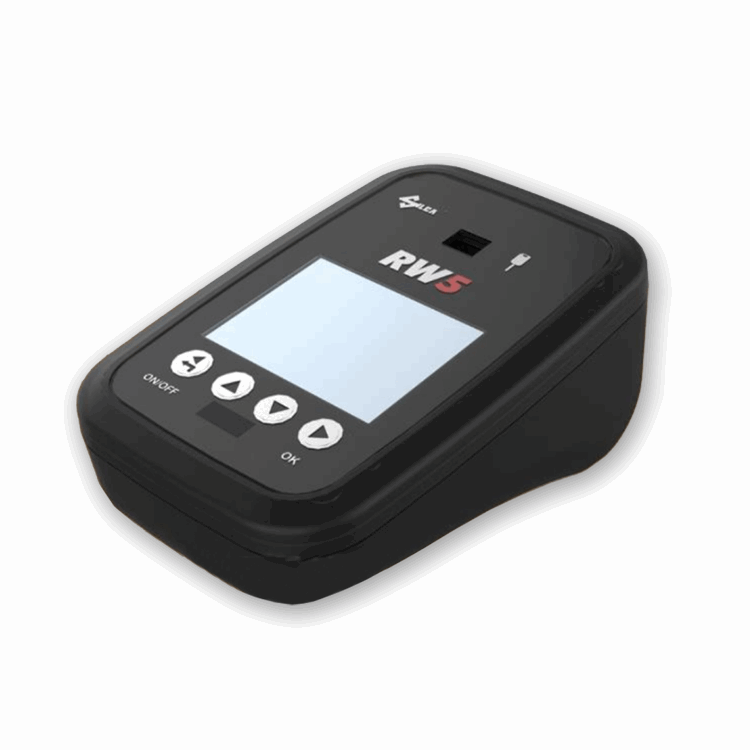
Feature Three
Delete the above image or replace it with a picture that illustrates your message. Click on the picture to change its rounded corner style.
You can further enhance the visual by adding a caption or using a background color overlay to make it stand out.
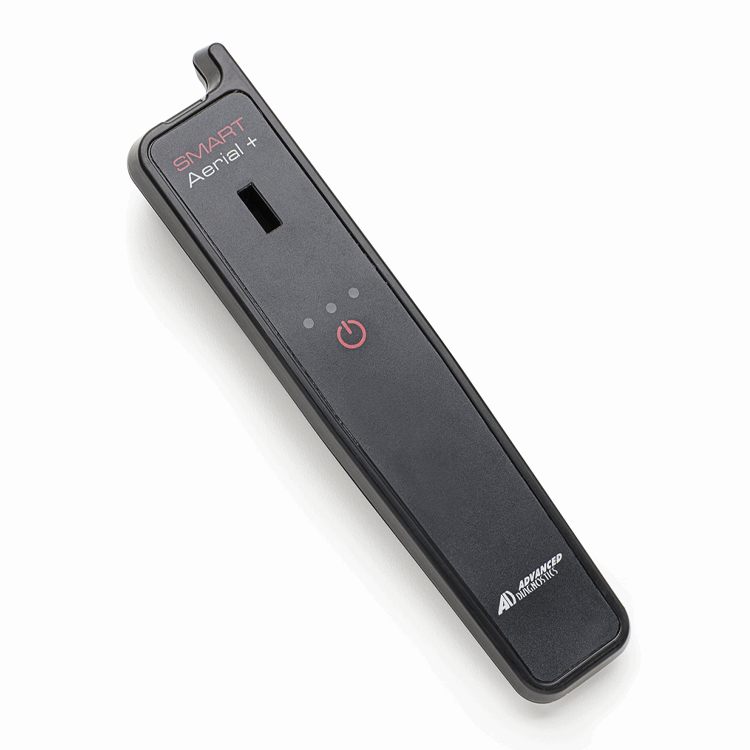
Feature Three
Delete the above image or replace it with a picture that illustrates your message. Click on the picture to change its rounded corner style.
You can emphasize important points by adjusting font weight, size, or color to draw attention where it matters most.
KEY CONTACTS
Reach us through our various channels for any inquiries.
CUSTOMER INFORMATION
Find answers to common questions about our services and policies.
QUICK LINKS
Explore our site with ease using these helpful links.
ABOUT US
Learn more about our company and our commitment to excellence.
TERMS & CONDITIONS
Understand the terms of service that govern your use of our platform.
PRIVACY POLICY
Review our policy on how we collect, use, and protect your data.